Classic Code Editor
A production-quality IDE with a 90s soul — Borland C++, Visual C++ 6.0 and Delphi, rebuilt with Flutter for macOS 12+.
Highlights
- Four authentic retro themes — Visual C++ 6.0, Borland Delphi, Visual Basic 6.0 and Turbo Pascal 7.0, with 2px raised borders and zero rounded corners.
- Multi-language editor — Dart, Python, C, C++ and ARM64 Assembly (
.s), with syntax highlighting and completion. - Real LSP integration — live diagnostics, hover and autocomplete from the actual language server.
- Real debuggers — Dart VM Service, Python
sys.settrace, C/C++ and ARM64 Assembly viaclang+lldb, with breakpoints, variable inspection and instruction-level stepping. - Integrated terminal and console — with a debug-output bridge.
- Offline test suite — 204 passing tests, no language server or compiler spawned during tests.
Screenshots
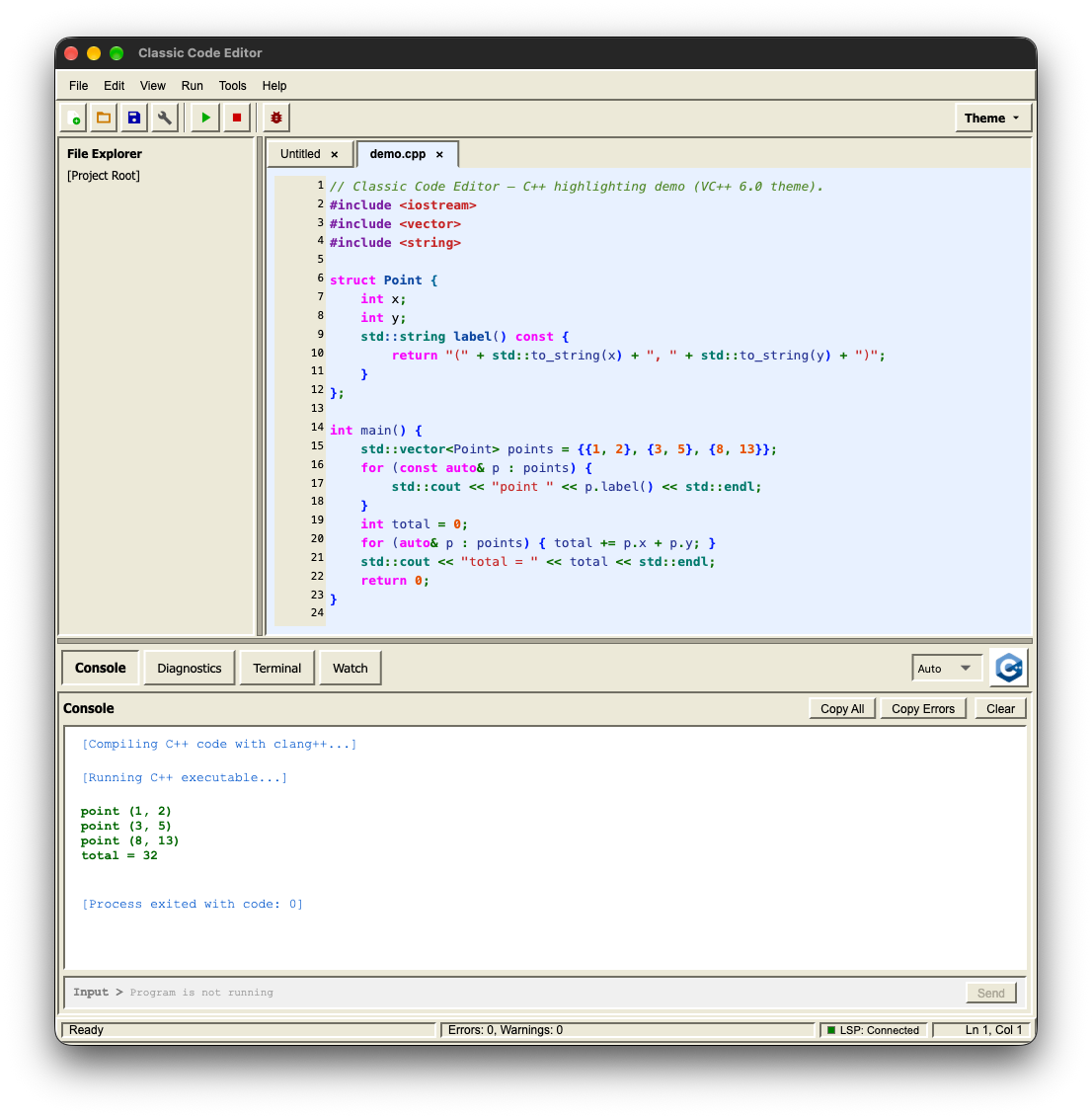
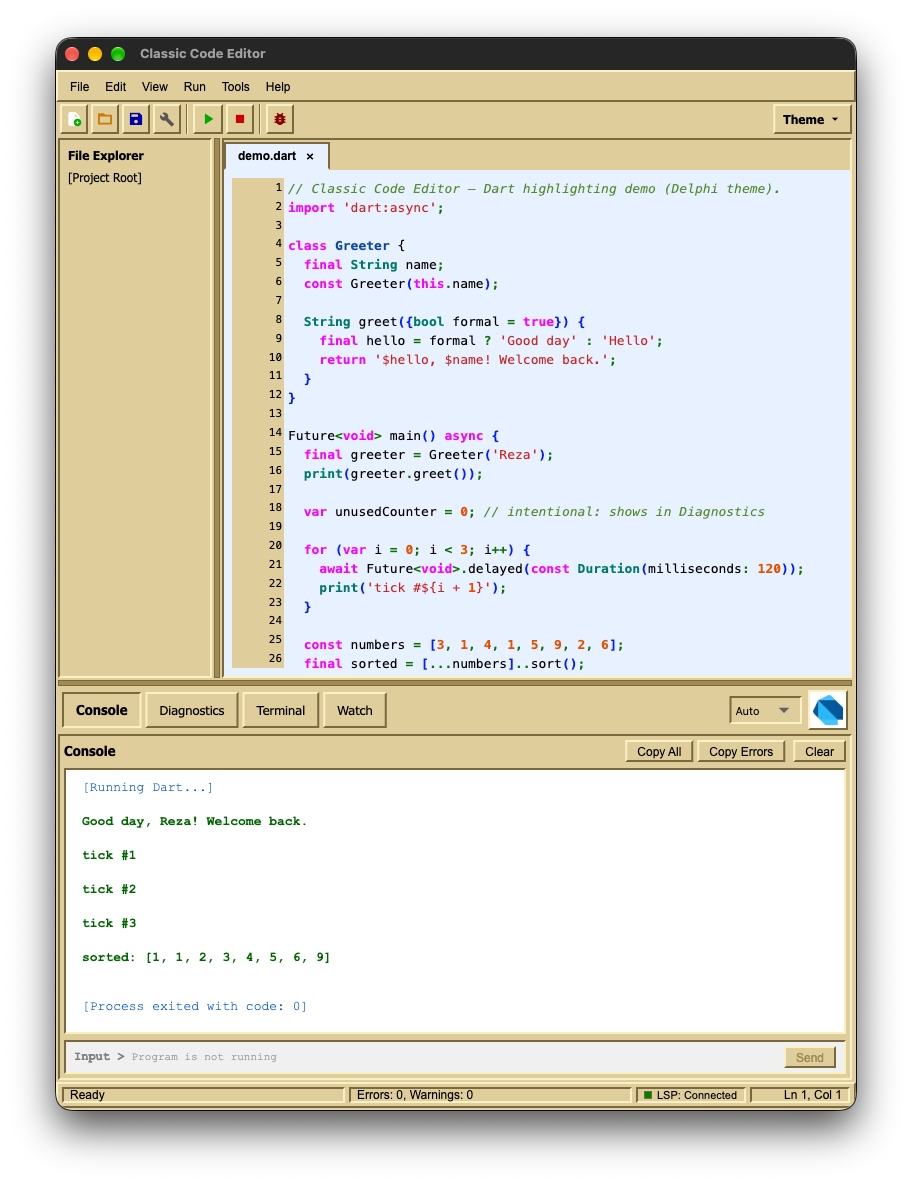
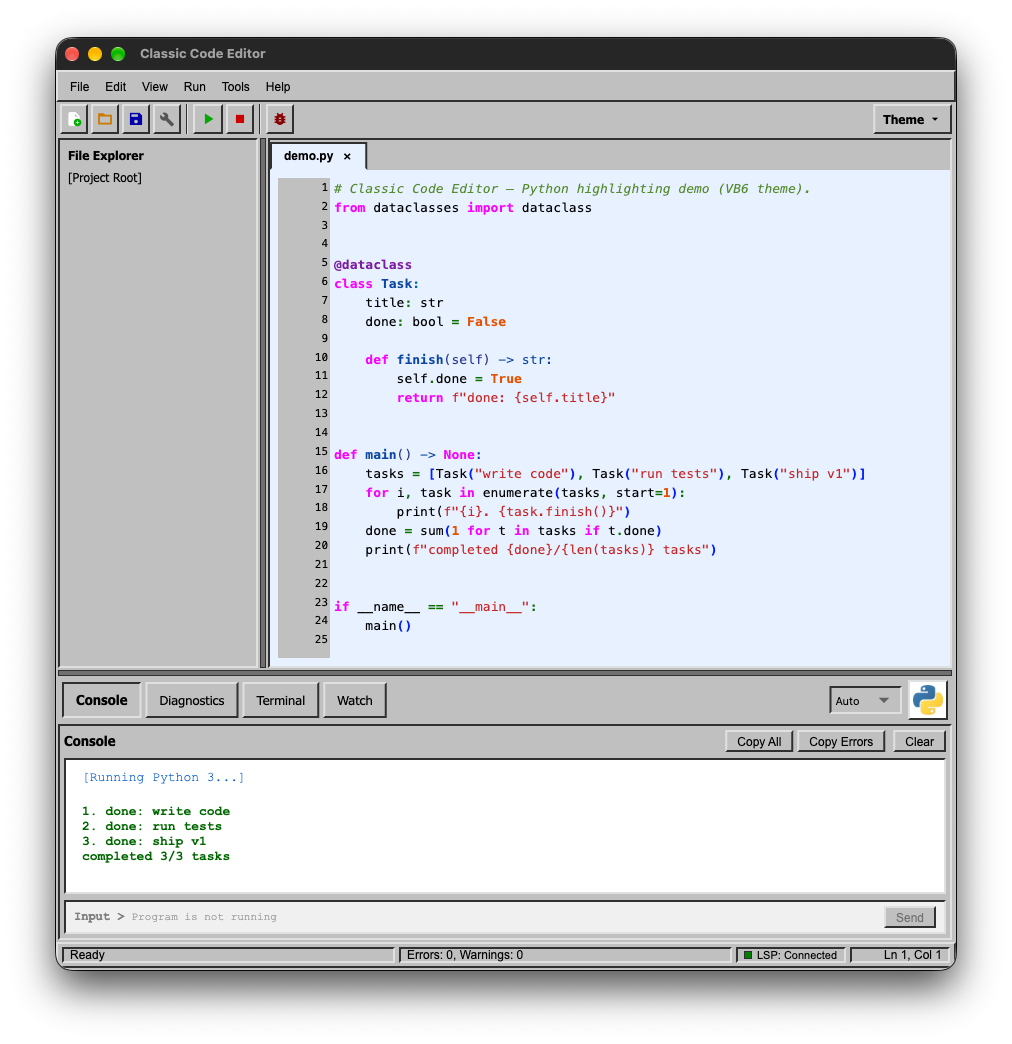
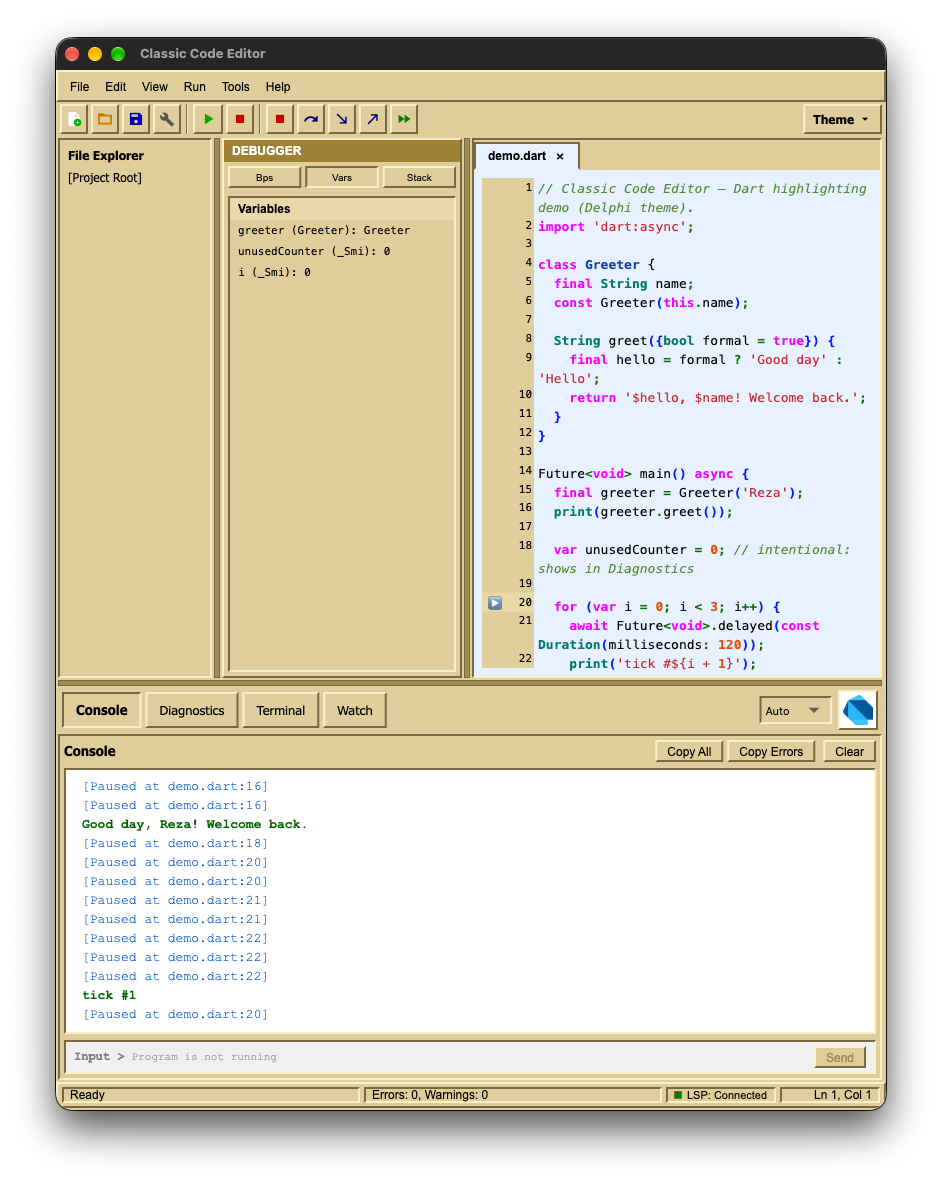
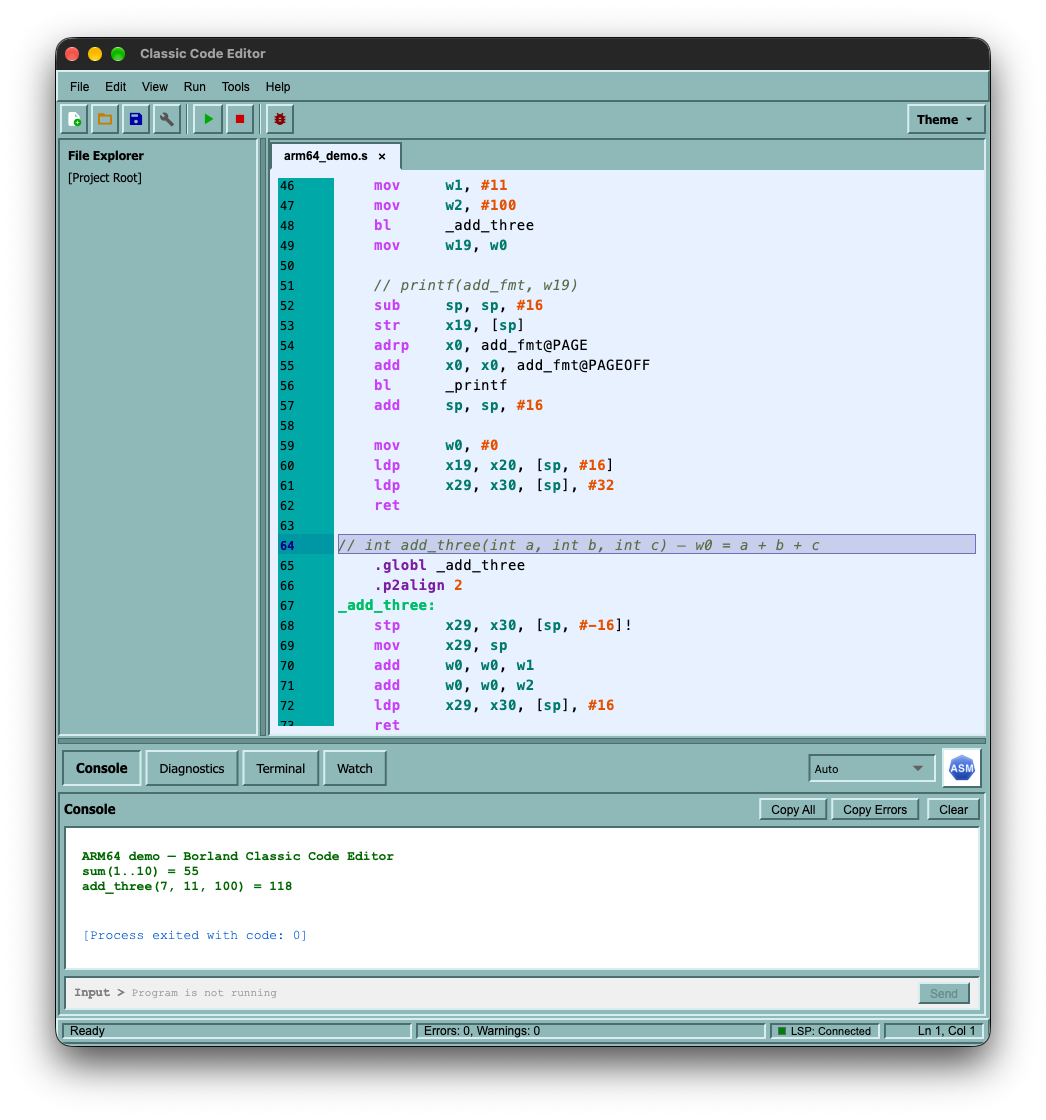
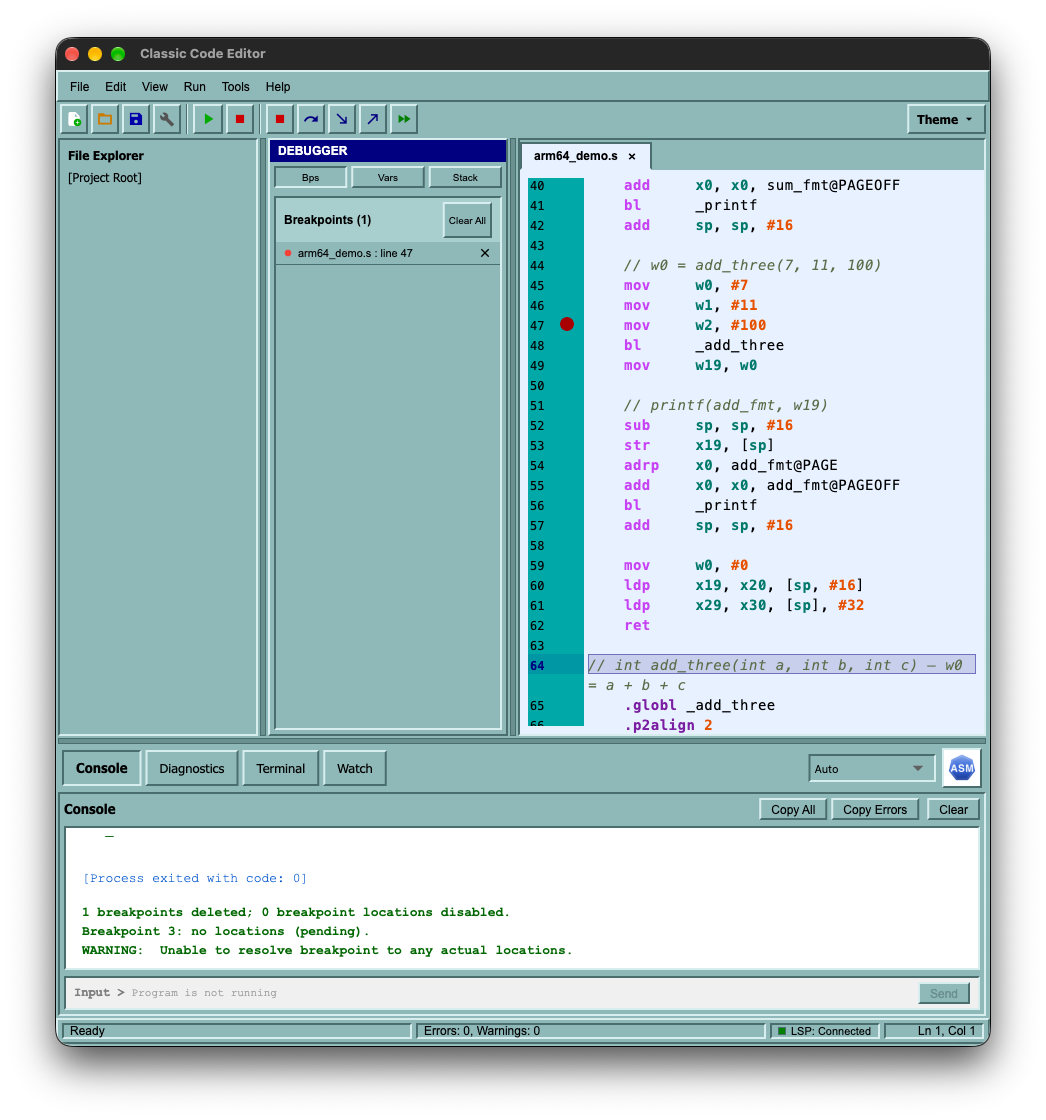
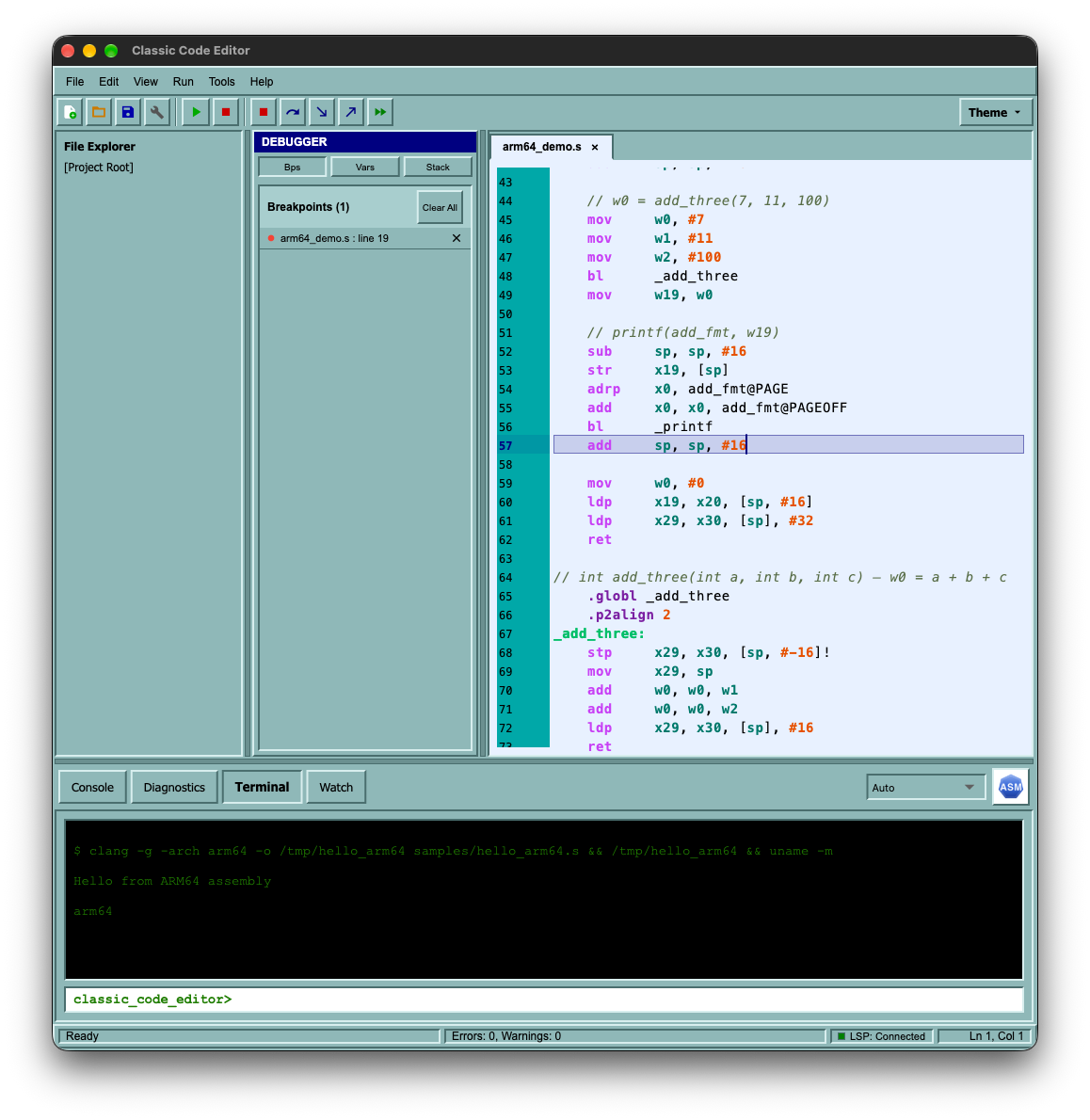
Turbo Pascal 7.0 — ARM64 Assembly
The fourth theme, shown driving the ARM64 Assembly support: highlighting, Run, and the LLDB debugger with its register window.
Requirements & install
- macOS 12+ (Monterey or later), Apple Silicon or Intel.
- To run and debug code:
dart,python3,clangandlldbon yourPATH(Xcode Command Line Tools cover the last two).
Download the DMG, open it and drag Classic Code Editor.app to Applications.
First launch: the app is not notarized, so macOS blocks it. Click Done, then open System Settings → Privacy & Security and choose Open Anyway.
Build from source
git clone https://github.com/moradzadeh67/classic-code-editor.git
cd classic-code-editor
flutter pub get
flutter run -d macos
The full release gate lives in scripts/release_gate/ (analyze → test → build → smoke → DMG).
Privacy in one line
Everything happens on your machine: no accounts, no telemetry, no backend. Code you press Run on is executed locally, with your own privileges. See docs/PRIVACY.md.